


Products

.svg)


.svg)
Craft engaging designs to captivate your audience.

Updated March, 2026
Great design starts long before you hit upload. Every print medium is different — what looks crisp on your monitor can come out muddy, pixelated, or color-shifted on a finished product. Whether you're selling unisex t-shirts, blankets, or all-over-print apparel, understanding how your design interacts with the print process is the difference between a product that sells and one that gets returned.
This guide covers the three fundamentals every seller needs to get right.
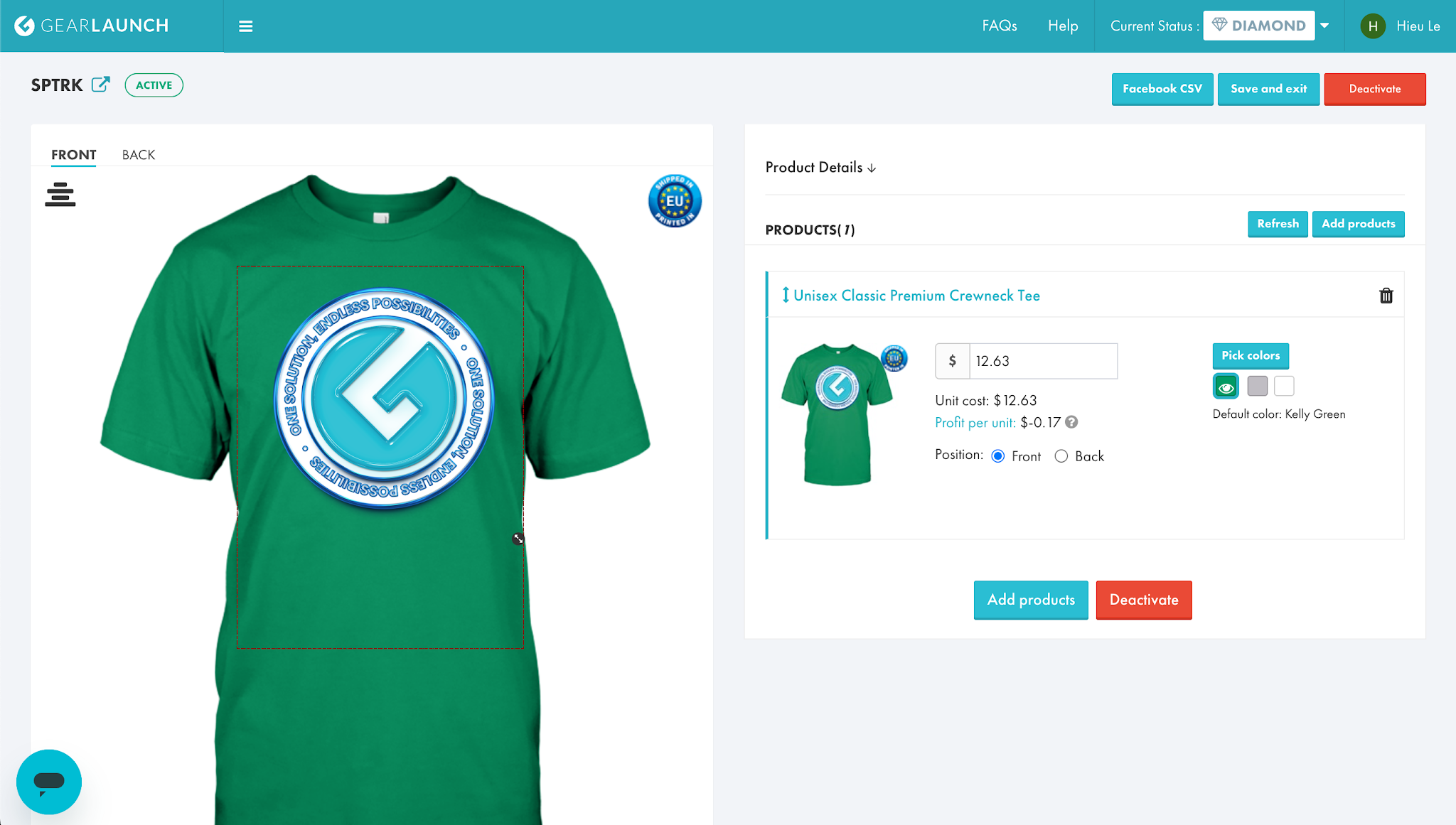
Remove garment colors from your design. When your design shares colors with the garment underneath, the print loses definition fast. If you're selling on a black shirt, strip any black areas from your artwork and leave them transparent — the garment itself fills that space, resulting in a cleaner, higher-quality print. Use contrasting colors to make your designs stand out.
Avoid gradients. Gradients don't translate well to DTG printing. Instead, use halftones to achieve a color-fade effect — they produce consistent, predictable results without the muddy output that gradients typically create. Keep halftone styles consistent throughout a single design.
Keep your color palette simple. A tight, intentional color palette consistently outperforms complex multi-color designs. GearLaunch data shows that the majority of top-performing campaigns feature two colors or fewer. Always design in CMYK and save your final file as sRGB to ensure what you see on screen matches what gets printed.
→ Deep dive: Optimal Design File Preparation
DPI (dots per inch) is the single most important technical spec to get right. For apparel products, GearLaunch recommends a pixel dimension of 3600×4800 at a digital image size of 12"×16", which produces the required 300 DPI. Below 300 DPI and your print will look blurry and unprofessional — a fast way to lose customer trust and rack up refund requests.
One common mistake: assuming the same file works across all product sizes. A design that prints sharply on a t-shirt may look pixelated on a larger canvas or poster because you're stretching the same number of pixels across a bigger surface. Always check your DPI against the specific product's print area before publishing.
→ Full guide: Print 101 & Understanding DPI
Direct to Garment (DTG) printing is the technology powering most GearLaunch apparel products. Unlike screen printing, DTG injects ink directly into the fabric fibers — resulting in prints that are vibrant, soft to the touch, and more fade-resistant over time. There's no need for color separations or layer management, which means full-color artwork and intricate details reproduce accurately with no trade-offs.
DTG also allows for per-job color profiling, so prints on different garment colors stay consistent and true-to-design. The inks are water-based and eco-friendly, and GearLaunch's print partners stay at the cutting edge of DTG innovation so your products always reflect current quality standards.
→ Full breakdown: DTG Explained
Ready to put these principles into practice? Browse the full GearLaunch product catalog or create your first product today.


.svg)
.svg)
.svg)